Flipboard:Your Social Magazine
- 3.4
- Rating
- 500.00M
- Installs
- Free
- Price
 Analysis by App-foxy
I use Flipboard as a way to turn a scattered news routine into something that feels more deliberate. Instead of jumping between separate sites, social feeds, and magazine pages, I can open one place and browse stories arranged around subjects I care about. It is a free news and magazines app from Flipboard, aimed at readers who enjoy discovering articles visually rather than working through a plain headline list.
That distinction matters. This is not simply a newspaper replacement, and I would not treat it as the only source for important breaking news. Its strongest quality is the way it helps me move from one interesting story to another, especially when I want a broad view of technology, culture, business, science, sports, or current events without planning a precise search first.
The app has been available since June 21, 2012, and its long presence is reflected in its large audience: it has passed over 500 million installs. At the same time, its average rating sits at 3.4 from around 1.4 million ratings, so the experience is clearly not perfect for everyone. My impression is that Flipboard works best when I accept it as a curated discovery tool, not as a completely neutral or ultra-minimal news reader.
In-Depth Coverage of Flipboard:Your Social Magazine
How Flipboard feels during everyday reading
I find Flipboard most useful when I treat it as a place to explore, rather than as a source I trust automatically. The visual flow makes it easy to encounter reporting from different publishers, but the sensible habit is to open the story and check its source and context before sharing or acting on it. That distinction leads naturally to a closer look at the choices readers can make while using the app.
A visual start that encourages browsing
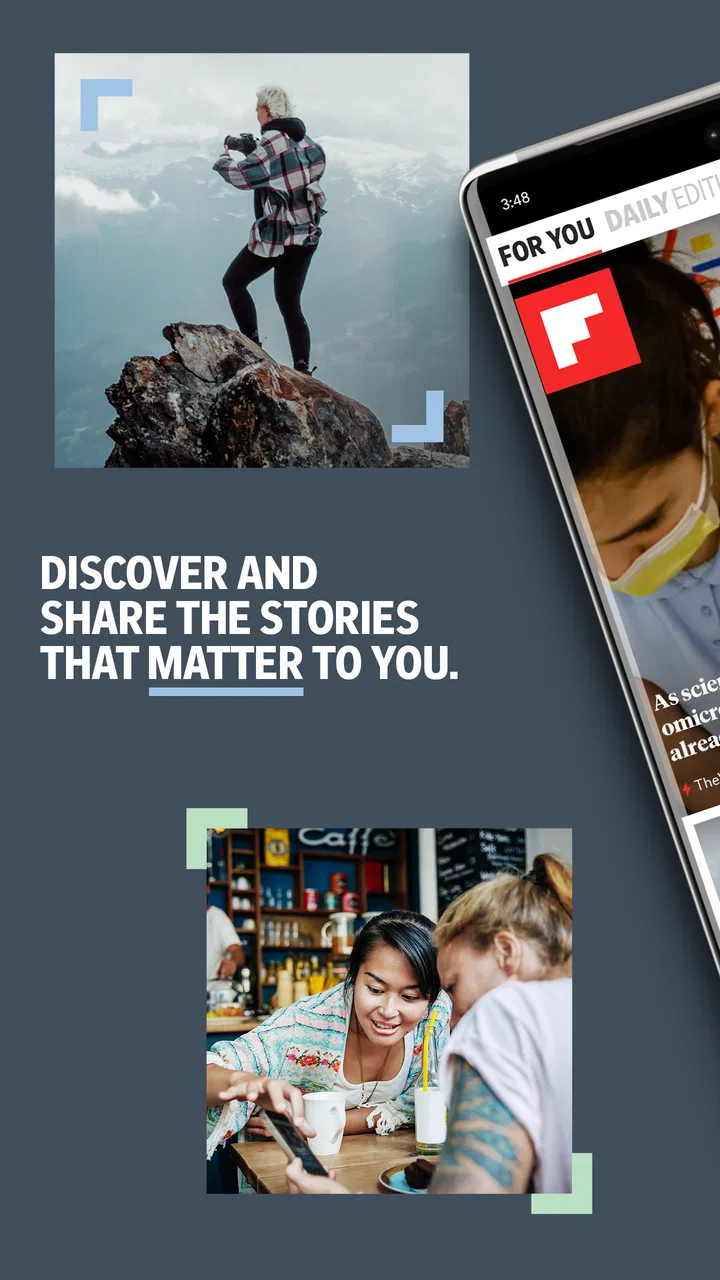
The first thing I notice is that Flipboard asks me to browse with my eyes. Stories are presented in a magazine-like layout, and the combination of images, headlines, and topic groupings makes the app feel more editorial than a standard chronological feed. I can open it with only a general idea of what I want to read, then let the selection guide me.
That approach is useful in the morning. I might begin with a quick look at technology and then find myself reading an analysis about a wider social issue or a practical feature related to digital life. The transition feels natural because the app is built around connected interests rather than a single publication. For readers who enjoy serendipity, that is more appealing than repeatedly refreshing one website.
There is a trade-off, though. A visually rich feed can take longer to scan than a compact list of headlines. If I already know the exact article or event I need, a search engine, a publisher’s own app, or a traditional RSS reader is usually more direct. Flipboard earns its place when I want to explore, not when I need the shortest route to one answer.
Setting up subjects without losing control
Choosing subjects carefully makes a noticeable difference. I prefer starting with a small group of clear interests instead of selecting everything that sounds attractive. A narrow beginning gives the home experience a useful shape, while an overloaded selection can make the feed feel noisy and reduce the chance of finding the stories I actually opened the app to see.
One practical workflow is to separate “daily reading” interests from subjects I only want occasionally. I keep the first group focused on areas I follow consistently, then use individual topic pages when I am researching something temporary. This prevents a short-lived curiosity from taking over the regular reading experience.
I also recommend judging a story by its source before sharing it. Flipboard can bring together material from different publishers and perspectives, which is valuable for comparison but means the reader still has to evaluate the publication, date, and context. The app improves discovery; it does not remove the need for ordinary news judgment.
What happens when I read for a long session
For a short check-in, the app feels straightforward: open it, scan the visual cards, select a story, and return to the stream when finished. During longer sessions, the experience becomes more dependent on how much content is being loaded and how quickly the selected articles respond. I find it more comfortable for several focused reading visits than for leaving it open indefinitely as a constant live feed.
When I am moving through many subjects, the main performance question is not just whether a page opens. It is whether the sequence remains fluid while images, previews, and article pages appear. On a capable device and a stable connection, the magazine presentation supports that rhythm well. On a constrained phone or a busy network, the visual design can feel heavier than a text-first reader.
That is an important expectation to set. Flipboard is designed to make news attractive and discoverable, so it naturally has more presentation to process than a bare list of links. Readers who value speed above everything else may prefer a lightweight reader, while people who want a more relaxed magazine experience will probably be more forgiving of occasional pauses.
Handling busy moments and changing connections
A realistic example is a commute. I may open Flipboard while connected to a reliable network, scan several headlines, and then continue reading after moving into an area with weaker service. The experience is most dependable when I open the stories I want before the connection becomes unpredictable. I do not build my entire reading routine around assuming that every article will remain immediately available offline.
During a major news cycle, the attraction of a broad feed becomes obvious because I can compare several angles without manually visiting many sites. The downside is that a busy news moment can make the stream feel crowded. I need to slow down, distinguish reporting from commentary, and avoid treating the first attractive headline as the complete story.
You May Also Like

 Lords Mobile: Kingdom Wars
Lords Mobile Is a Kingdom-Building Routine, Not a Quick Match
A case-by-case verdict on the building, battles, device demands, and social commitments that make Lords Mobile rewarding for some players and exhausting for others.

 PDF Scanner app - TapScanner
TapScanner Makes Paperwork Easier to Capture, Check, and Share
TapScanner makes scanning with a phone feel less like a rescue operation and more like a dependable step in getting work done. Its capture tools are useful, though not flawless.

 Block Blast!
Block Blast! Shows How Much a Puzzle Game Can Leave Out
A quiet grid game shows why puzzle players increasingly value instant clarity, repeatable skill and low-pressure play—and where the genre still needs to catch up.

 Family Space
Family Space Review: A Shared Routine That Makes Family Life Easier
A parenting app earns its place not by adding more noise, but by making everyday coordination easier. Family Space gets that balance mostly right.

 1Weather Forecasts & Radar
1Weather Forecasts & Radar Makes the Daily Check Worthwhile
A good forecast does more than predict rain. This week's pick turns changing conditions into a clear, practical reason to check before you step outside.

 Clash of Clans
Clash of Clans Makes Patience Part of the Strategy
A village builder with a sharp tactical core, Clash of Clans turns patience into momentum and each raid into a small, satisfying act of judgment.
More From Our News Desk
View All News


Another heavy-use situation is switching quickly between many topics. I have found that this is where a carefully organized set of interests helps most. If everything is mixed together, the app can become visually busy and the benefit of personalization is reduced. A smaller, more intentional selection makes the reading flow easier to follow and reduces the amount of time spent dismissing irrelevant items.
Stability, recovery, and the cost of interruption
For me, reliability is less about expecting perfection and more about how easily I can recover when a page does not load as expected. A news app should let me return to the main stream, retry a story, or continue with another item without making a temporary interruption feel like the whole session has been lost. Flipboard’s magazine structure is pleasant when it works smoothly, but a delayed article is more noticeable because the interface encourages a visually continuous reading flow.
I treat the app as a layer over the publications it presents. That means an individual article can behave differently from another one, depending on the source and the way that publication delivers its page. If one story feels awkward, I do not assume the entire app is unusable; I move back to the topic stream and try another source. This is one reason I like having several publications represented around the same subject.
For important developments, I also verify the story elsewhere. Flipboard is excellent for helping me notice what deserves attention, but I would use a direct publisher source or another established news service when accuracy, live updates, or a complete timeline matters more than visual discovery. That is not a criticism unique to this app; it is the sensible boundary for an aggregator-style reading experience.
Older phones and operating-system limits
The current version is 4.3.41, and the app supports devices running Android 7.0 or later. That makes the minimum system requirement reasonably clear for Android users: anyone on an older release will need a different way to follow the same news interests. On supported devices, the practical experience will still vary depending on available storage, memory, display size, and network quality.
I would be cautious about installing it on a phone that already struggles with image-heavy apps. Flipboard’s visual identity is part of its appeal, but it also means the app is not the obvious choice for someone trying to minimize resource use. A basic text feed may feel more responsive on older hardware, especially when the goal is simply to scan headlines quickly.
On a larger screen, the magazine presentation has more room to breathe and becomes easier to appreciate. On a small display, I sometimes find myself paying more attention to the visual cards than the actual reading plan. That is manageable, but it reinforces the idea that this is a browsing experience first. Users who prefer dense information and minimal decoration may find a conventional news list more efficient.
Useful habits for getting more from the app
My first tip is to create a deliberate opening routine. I choose a few dependable interests, scan the main page once, and then enter a topic only when something genuinely deserves time. This prevents endless swiping from replacing reading. The app is good at offering another attractive story, so setting a stopping point is useful if I only have a few minutes.
My second tip is to use topic variety as a comparison tool, not just as entertainment. Reading two different perspectives on the same issue can expose missing context or reveal where headlines are oversimplifying. Flipboard makes that kind of discovery easier because related material is placed close together, but I still check the actual article rather than relying on the preview alone.
A third insight is that the app works well for “background learning.” I can follow a subject that is not part of my job or daily responsibilities and gradually build familiarity through occasional stories. This is different from searching for a single tutorial or report. Flipboard is better at maintaining curiosity over time than at replacing a structured course or a specialist research database.
For a busy reader, I would also avoid treating every notification or suggested story as urgent. The value of the app comes from the reading environment, not from reacting to every prompt. Opening it at chosen times keeps the experience calmer and makes it easier to separate useful updates from material that is merely interesting in the moment.
Who should choose it, and who should skip it
I recommend Flipboard to readers who like magazines, visual layouts, and discovering stories across several publications. It is especially suitable for someone who wants a single starting point for broad interests and does not mind spending a little time exploring before deciding what deserves a full read.
It is also a good fit for people who follow several subjects but do not want to maintain a long list of separate publisher apps. The central feed can reduce that switching, while the topic structure gives the reader a way to move from general awareness into a more focused area. For casual daily reading, that balance is appealing.
I would skip it if you need a strictly chronological feed, a very compact interface, or a single publication’s complete archive. It is not my first choice for readers who want every article from one newspaper, nor for those who dislike algorithmic discovery and prefer to control every source manually. A dedicated RSS reader or publisher app may be better in those cases.
I would also choose another tool when offline reading is the central requirement, when every second matters, or when the device is already underpowered. Flipboard can still be enjoyable on modest hardware, but its visual approach is not the most economical route to plain text. The right choice depends on whether presentation and discovery are worth more to you than minimal loading and total control.
Cost, audience, and long-term practicality
The app is free, which makes it easy to try without committing money to a new reading habit. Its content rating is Everyone 10+, so it is positioned for a broad audience while acknowledging that news topics can sometimes require a little maturity and context. I would still use ordinary parental judgment for younger readers because the subjects appearing in a news feed can change with current events.
The developer is Flipboard, a name closely associated with the magazine-style approach that defines the product. That consistency is useful: the app does not feel like a generic list of links with a decorative skin placed on top. Its layout, topic discovery, and reading flow are all built around the same central idea.
Its large install base suggests that the concept has reached many readers, but the average rating is a reminder that broad appeal does not mean universal satisfaction. Some people will love the sense of discovery; others will see the same design as extra movement between them and the headline. I think both reactions are understandable, and the best decision comes from knowing which reading style you naturally prefer.
My performance verdict after using it as a news reader
Flipboard feels most convincing when I have a few minutes to browse, compare subjects, and follow an unexpected lead. The visual presentation gives the daily news routine more personality than a plain list, and the broad selection makes it useful for keeping several interests alive at once. I particularly value it as a discovery layer that helps me decide what deserves deeper reading elsewhere.
Its limitations are equally clear. The magazine design can feel less immediate than a text-first alternative, performance depends on the device and connection, and the mixed-source experience requires me to check context rather than accepting every headline at face value. Readers who want maximum control, minimal resource demand, or a single authoritative publication may be happier with another option.
My final recommendation is positive but specific: choose it if you want a visually guided way to discover and organize news, not if you are searching for the fastest possible headline scanner. It is free, available for Android 7.0 and later, and mature enough to make a serious case for a place in a regular reading routine. I would keep it alongside a trusted direct news source rather than using it alone, but as a personal magazine for exploring the day’s subjects, it remains a useful and enjoyable choice.
FAQs for Flipboard:Your Social Magazine
01What is Flipboard and how does it work?
Flipboard is a personalized news and social magazine app that aggregates content from various sources, including social media, news publications, and blogs. Users can customize their feed by selecting topics they are interested in, such as technology, sports, or entertainment. The app curates articles, videos, and social media posts, presenting them in a magazine-style format for easy browsing.
02Is Flipboard free to use?
Yes, Flipboard is free to download and use on both Android and iOS devices. While the app itself is free, it aggregates content from various sources, some of which might require subscriptions for full access. However, the majority of content can be accessed without any additional costs, making it a convenient option for news and social media aggregation.
03Can I connect my social media accounts to Flipboard?
Absolutely! Flipboard allows you to link your social media accounts, such as Twitter, Facebook, and LinkedIn, to the app. This integration enables you to view your social media feeds alongside your curated news, providing a seamless experience. You can also share content directly from Flipboard to your social media accounts, making it easy to engage with your network.
04How can I customize my Flipboard experience?
Flipboard offers extensive customization options. Upon signing up, you can select topics of interest, such as politics, travel, or food, to tailor your feed. Additionally, you can follow specific magazines and publishers or create your own magazines by saving content that interests you. This level of personalization ensures that your feed remains relevant and engaging.
05Does Flipboard work offline?
Flipboard has limited offline capabilities. While you can save articles for offline reading, the app requires an internet connection to update your feed and access new content. This feature is useful for users who want to read articles while commuting or in areas with limited connectivity, as long as they save the content in advance.
Pros
- Intuitive and sleek user interface.
- Customizable content feeds.
- Seamless integration with social media.
- Offline reading available.
- Personalized news recommendations.
Cons
- Ads can be intrusive at times.
- Occasional bugs in content loading.
- Limited content sources in some regions.
- Requires a stable internet connection.
- Can consume a lot of data.

Flipboard:Your Social Magazine
Gallery